
How to Compress a PDF to 100KB, 200KB, 500KB, 1MB or 3MB (Free)
- Which PDF size limit your form or portal needs
- How to compress a PDF to 100KB, 200KB, 500KB, 1MB or 3MB
- Why some PDFs refuse to get smaller, and how to fix that
- How to keep your documents private while compressing
You are filling in a job application, a scholarship form or a government portal, and it says: "Upload a PDF under 200KB." Your file is 4MB. This is one of the most common PDF problems, and it is easy to fix once you know which size to aim for.
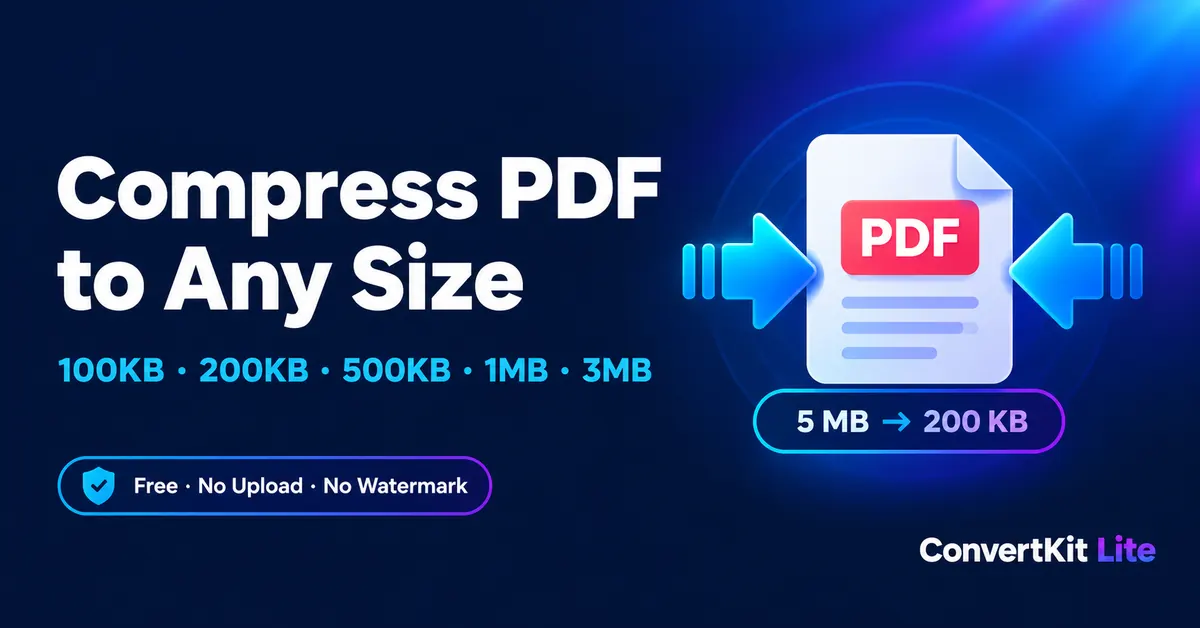
ConvertKit Lite has a free compressor for each of the most common limits. Everything runs in your browser, so your file is never uploaded to a server.
Pick the right size for your upload
Choose the tool that matches the limit on your form:
- Compress PDF to 100KB: for strict portals, ID proofs, signatures and single-page certificates.
- Compress PDF to 200KB: for job applications, exam forms and short documents.
- Compress PDF to 500KB: for resumes, mark sheets and multi-page forms.
- Compress PDF to 1MB: for email attachments and standard online applications.
- Compress PDF to 3MB: for longer reports, scans and portfolios that need to stay sharp.
Not sure what limit you need? Use the general Compress PDF tool.
Open the free PDF compressor, drop your file in, and download the smaller version in seconds. No signup, no watermark.
How to compress a PDF to a specific size
- Open the right tool. Choose the page that matches your limit from the list above.
- Add your PDF. Drag it into the box or click to browse. It works on Windows, Mac, Android and iPhone.
- Press compress. The tool first tries a lossless clean-up. If the file is still too big, it lowers image quality and resolution step by step until it fits under your target.
- Download the result. Check that the file is readable, then upload it to your form.
Will the PDF still look good?
For normal documents, yes. The larger the target, the sharper the result. A 3MB or 1MB target leaves plenty of room, so most files stay crisp. A 100KB target is very small, so photos and full-page scans can look softer.
If a lossless clean-up is not enough, the pages are converted to images. The text stays visible, but you can no longer select or search it. If you need searchable text, choose a larger target size.
Why is my PDF still too big?
Some files are hard to shrink without looking blurry:
- Many pages. A 60-page scan will not fit in 100KB. Split it into parts with our Split PDF tool, or remove pages you do not need.
- High-resolution photos. Phone photos inside a PDF add several MB each.
- Full-page scans. Rescan at a lower resolution (150 DPI is enough for most forms), then compress again.
If you have several small PDFs that you want in one file first, use Merge PDF, then compress the result.
Is it safe to compress ID copies and certificates?
Yes. The compression happens inside your own browser. Your file stays on your device and is never sent to our servers, which makes it a good fit for ID copies, certificates, bank statements and application documents. Password-protected PDFs also work: you enter the password in your browser, and it is not uploaded.
Tips to get a smaller PDF before you compress
- Export from Word or Google Docs as PDF instead of printing a photo of the page.
- Scan in grayscale or black and white when colour is not needed.
- Crop large margins and delete blank pages.
- Avoid embedding full-size images. Resize them first.
Frequently asked questions
Is there a watermark or a daily limit?
No watermark, no account and no limit. Compress as many PDFs as you like.
Does it work on a phone?
Yes, in any modern browser on Android and iPhone. Large PDFs can take longer on older phones, so try a smaller file first.
What if my file does not reach the target?
The tool gives you the smallest readable result it can reach. Split the file, remove pages, or try the next size up.
Need to convert a file?
Try our free PDF, image, audio and video tools. No sign-up needed.